 Albania
 Argentina
 Australia
 Austria
 Belgium
 Bosnia and Herzegovina
 Brazil
 Bulgaria
 Canada
 Chile
Chile
 Colombia
 Croatia
 Czech Republic
 Denmark
 Estonia
 Finland
 France
 Germany
 Greece
 Hungary
 Ireland
 Italy
Italy
 Latvia
 Lithuania
 Luxembourg
 Mexico
 Moldova
 Montenegro
 Netherlands
 New Zealand
 North Macedonia
 Norway
 Philippines
 Poland
 Portugal
 Romania
 Serbia
 Slovakia
 Slovenia
 South Africa
 Spain
Spain
 Sweden
 Switzerland
 Turkey
 Ukraine
 United Kingdom
 United States of America





- License: Full Version
- License duration: Perpetual
- Тype: Dynamics
- Supported plug-in formats: AAX, AU, VST
- Compatible with: All major DAWs
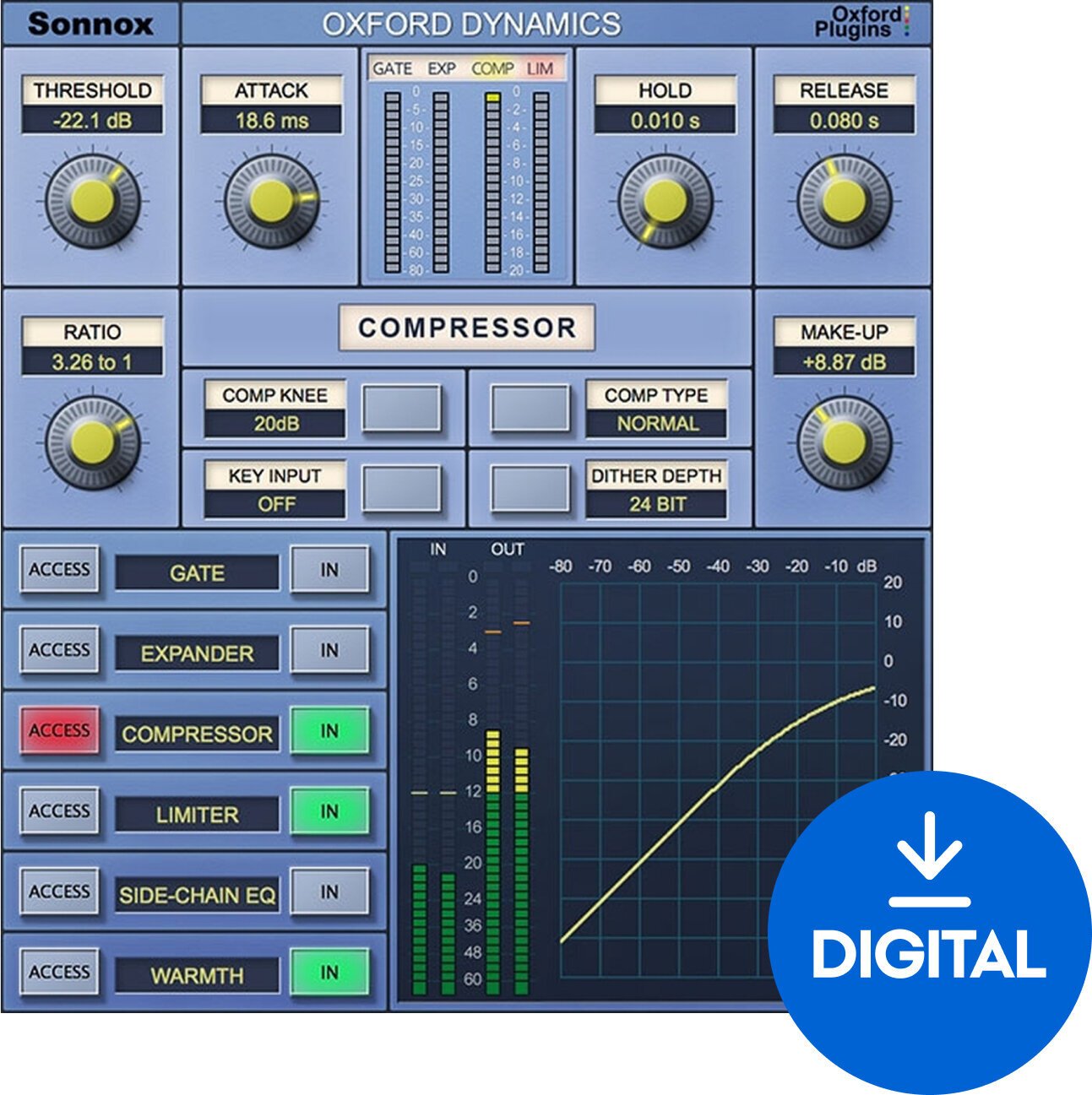
Sonnox Oxford Dynamics (Native) (Digital product)
The Oxford Dynamics Native plugin from Sonnox is a comprehensive tool that provides a complete dynamic processing solution. It features detailed sections for compression, gating, expansion, and limiting, making it incredibly versatile for both mixing and mastering tasks. The plugin is based on the dynamics section of the acclaimed OXF-R3 console, known for its smooth handling of audio signals.
The Oxford Dynamics offers six independent processes for fine-tuning your sound: a warm, musical compressor that can subtly glue a mix together or add punch to drums; a flexible gate and expander section to manage noise and increase dynamic range; a powerful limiter to prevent clipping and manage loudness; and a unique warmth function to add heat and richness to digital recordings. With its intuitive controls and clear visual feedback, this plugin ensures optimal settings for every task.
Designed for precision and ease of use, Oxford Dynamics supports VST, AU, and AAX plugin formats, making it a valuable asset for audio professionals using a variety of digital audio workstations.
DOWNLOAD: http://www.sonnox.com/register
In order use Sonnox plugins, you will need a free iLok account and the iLok Licence Manager installed in order to authorise your plugin and manage the licence. Please see Sonnox helpdesk article - What is iLok? for a detailed overview.
To register for a free iLok account and to create your iLok ID, please follow this link.
After registering, please then download and install the iLok Licence Manager.
After installing Licence Manager on your system, please log in with your new ID and password. Please then go back to your Sonnox order confirmation email, and click on the 'Download' link again to go back to the iLok Licence deposit window. Please then enter your iLok ID where prompted, and this will deposit your licence into your iLok account for you to activate in your newly installed Licence Manager software. You'll then be redirected to the installer page to download the plugin.
Then see the following helpdesk articles for further information on how to store, manage and activate your licences:
Which locations can I use for my Sonnox licence?


License duration
Download
Supported plug-in formats
AAX, VST, AU
Documents
Safety instructions
Please refer to the user manual for the specific safety instructions for this product.


