 Albania
 Argentina
 Australia
 Austria
 Belgium
 Bosnia and Herzegovina
 Brazil
 Bulgaria
 Canada
 Chile
Chile
 Colombia
 Croatia
 Czech Republic
 Denmark
 Estonia
 Finland
 France
 Germany
 Greece
 Hungary
 Ireland
 Italy
Italy
 Latvia
 Lithuania
 Luxembourg
 Mexico
 Moldova
 Montenegro
 Netherlands
 New Zealand
 North Macedonia
 Norway
 Philippines
 Poland
 Portugal
 Romania
 Serbia
 Slovakia
 Slovenia
 South Africa
 Spain
Spain
 Sweden
 Switzerland
 Turkey
 Ukraine
 United Kingdom
 United States of America



How to choose a MIDI controller
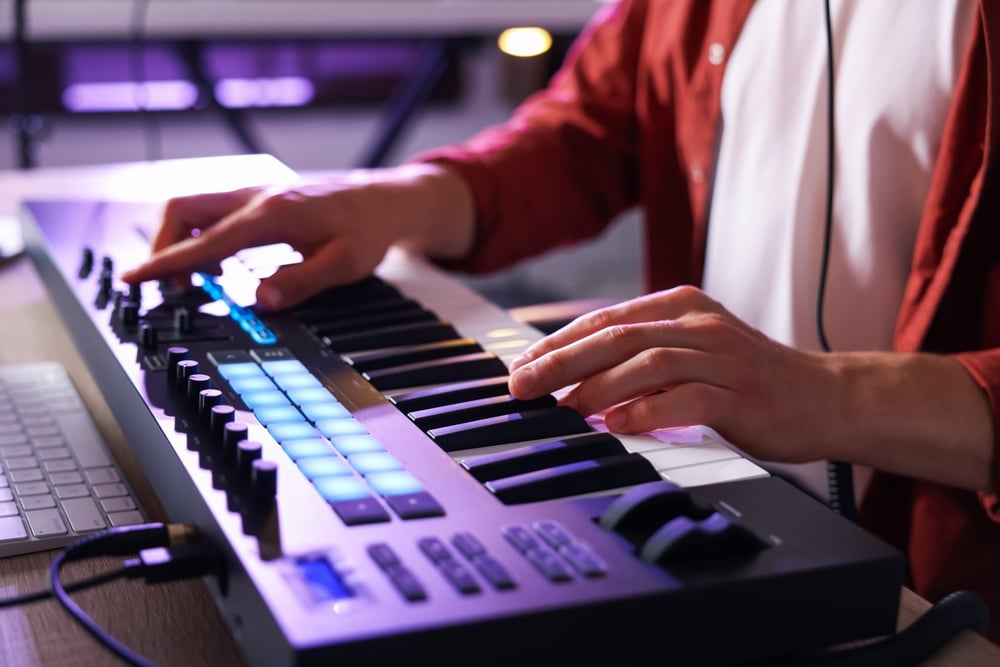
You are sitting at the computer with a project open in your DAW, clicking notes into the grid with a mouse. It works, but it takes forever and the result sounds like clockwork. This is the exact point where most people buy their first MIDI controller, also known as a MIDI keyboard.
How a MIDI controller works
A MIDI controller is a keyboard that makes no sound of its own. When you press a key, it only sends the computer the information about which note you played and how hard, and the sound itself is generated by software inside your DAW. That sounds like a drawback, but it is the opposite. The same keyboard plays a concert grand one minute and an analogue bass from the eighties the next.
The difference from a keyboard or a digital piano is simple. Those have sounds built in and play without a computer, while a controller does nothing without a laptop, tablet or phone. What it gives you instead is access to everything you install. If you are still weighing up which way to go, start with the difference between a keyboard and a digital piano.
The difference from a keyboard or a digital piano is simple. Those have sounds built in and play without a computer, while a controller does nothing without a laptop, tablet or phone. What it gives you instead is access to everything you install. If you are still weighing up which way to go, start with the difference between a keyboard and a digital piano.
How many keys do you need
This is decision number one and most people overshoot it. More keys do not mean a better instrument, they mainly mean more desk space, and a producer's desk tends to be full before anything is even on it.
| Size | Who it suits | What you give up |
|---|---|---|
| 25 keys and fewer | beats, bass lines, one-handed playing | two-handed playing |
| 32 to 37 keys | a compromise that fits in a backpack | chords together with bass |
| 49 keys | the most common home studio choice | full piano playing |
| 61 keys | players who use both hands | desk space |
| 76 and 88 keys | pianists and classical players | portability and money |
If you cannot play piano and mostly want to compose, 25 keys will do, you switch octaves with a button. If you can play, do not go below 61 or you will struggle on every second chord. The full range is under MIDI master keyboards.
What else matters when choosing
Keys, velocity and aftertouch
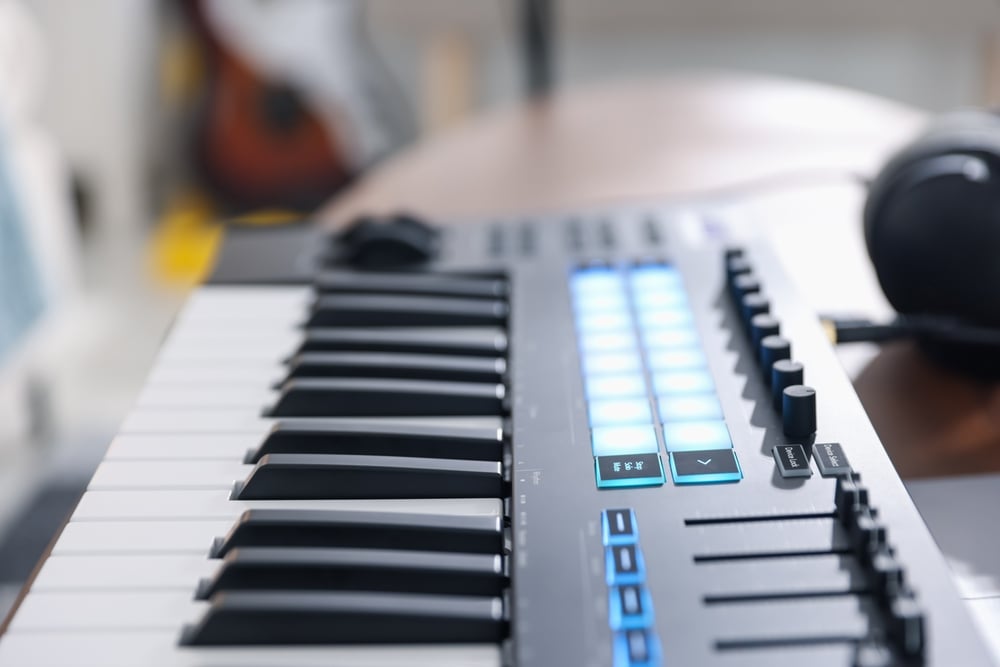
Velocity sensitivity is non-negotiable and means the harder you press a key, the louder the note. Without it everything sounds identical and the music is dead by the first bar. Every sensible model has it today, but check it on the cheapest ones.
Choose the key action according to what you play. Synth action is light and fast, so it suits beats and leads, semi-weighted is the middle ground, and hammer action imitates a real piano. You pay for that feel in weight and in price.
Aftertouch responds to how you push into a key after it is down, letting you add vibrato or open a filter. A beginner can live without it, but anyone working with synthesizers will appreciate it fairly quickly. We have filtered the models that have it here.
Choose the key action according to what you play. Synth action is light and fast, so it suits beats and leads, semi-weighted is the middle ground, and hammer action imitates a real piano. You pay for that feel in weight and in price.
Aftertouch responds to how you push into a key after it is down, letting you add vibrato or open a filter. A beginner can live without it, but anyone working with synthesizers will appreciate it fairly quickly. We have filtered the models that have it here.
Pads, knobs and faders
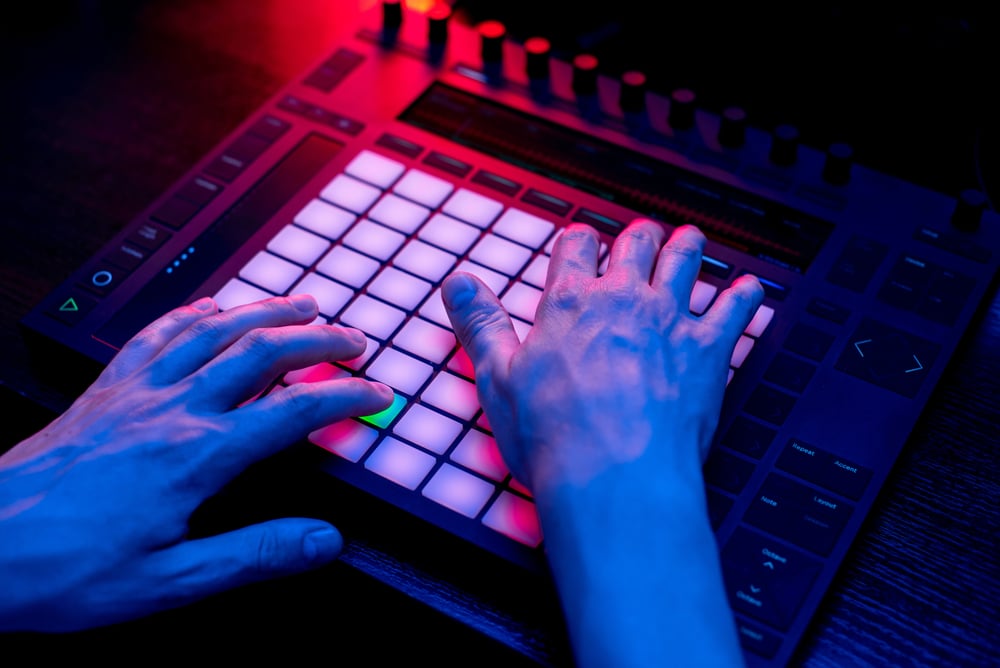
Pads are the rubber squares you play drums on with your fingers. If you make hip hop, electronic music or anything where the drums carry the groove, you want them, and the best-known example is the Akai MPK Mini, for years the best-selling small controller of all.
Knobs and faders control volume, filters and effects straight in the DAW, saving you hundreds of mouse clicks on every project. How much that adds up we cover in less clicking, more music. And if you do not need keys at all and only want pads and knobs, look at MIDI controllers without a keyboard.
Knobs and faders control volume, filters and effects straight in the DAW, saving you hundreds of mouse clicks on every project. How much that adds up we cover in less clicking, more music. And if you do not need keys at all and only want pads and knobs, look at MIDI controllers without a keyboard.
How the controller connects
The vast majority of models today connect over USB, so you plug in the cable, the DAW recognises the instrument and you play. It draws power from the same cable, no extra adapter needed.
The classic five-pin MIDI connector only comes into play if you want to hook the controller up to a hardware synth or an older sound module. That is what MIDI cables and MIDI interfaces are for. Bluetooth is offered on some models from Korg and Native Instruments, which is handy with a tablet, though expect a small amount of latency when recording.
The classic five-pin MIDI connector only comes into play if you want to hook the controller up to a hardware synth or an older sound module. That is what MIDI cables and MIDI interfaces are for. Bluetooth is offered on some models from Korg and Native Instruments, which is handy with a tablet, though expect a small amount of latency when recording.
What else will you need for it?
The controller alone will not make music, so budget for these as well:
- A DAW. The software you compose in. Which one to pick is covered in FL Studio vs. Ableton, and a lite version often comes bundled with the controller.
- An audio interface. Without one the computer has audible latency and playing is miserable. How to choose one is here.
- Studio headphones or studio monitors. Gaming headsets flatter the sound and your mix then falls apart in the car, more in how to choose headphones.
- A sustain pedal. Rarely included, but you will miss it on piano sounds the very first evening.
- A keyboard stand. Unless you want the controller on your knees. The rest of the extras are under keyboard accessories.
Which model is right for you?
If you are starting out and cannot play yet, get 25 keys with pads. Akai and Novation are the safe bet here, both bundle software with their controllers, so you are playing the same evening.
If you know the basics, go for 49 keys. It is the best balance between playability and desk space, and most people stay there for years. Look at models from Arturia, M-Audio or Nektar.
If you are a pianist, you want 61 or 88 keys with a heavier action. And if you also want to play without a computer, consider a digital piano or a stage piano instead, because a controller will not play a note on its own in your living room. Cannot play at all? Start with how to learn to play the piano, the controller can wait.
If you know the basics, go for 49 keys. It is the best balance between playability and desk space, and most people stay there for years. Look at models from Arturia, M-Audio or Nektar.
If you are a pianist, you want 61 or 88 keys with a heavier action. And if you also want to play without a computer, consider a digital piano or a stage piano instead, because a controller will not play a note on its own in your living room. Cannot play at all? Start with how to learn to play the piano, the controller can wait.
Frequently asked questions about MIDI controllers
What is the difference between a MIDI controller and a keyboard?
A MIDI controller has no sounds and no speakers of its own and will not play a note without a computer, while a keyboard has hundreds of sounds built in and only needs switching on. That makes a controller cheaper for the same number of keys, but you can only use it as part of a computer studio. If you want to play songs in the living room, buy a keyboard; if you want to compose in a DAW, buy a controller.
Do I need a computer for a MIDI controller?
Yes, or at least a tablet or a phone. The controller only sends data and the sound is produced by software at the other end of the cable, so without a device running software it is a piece of plastic with keys on it. Some models also work with an iPad over USB-C or Bluetooth.
How many keys are enough to start with?
If you cannot play piano, 25 keys will last you surprisingly long, because you can play both chords and melodies on them and switch octaves with a button. If you can play and want to use both hands at once, go straight to 49 or 61 keys. Buying a smaller one and upgrading later rarely pays off, most people move from 25 to 49 within a year.
Do I have to buy extra sounds for a controller?
Not right away. Every DAW ships with a basic set of instruments, and most controllers come bundled with extra software, usually a piano and a couple of synths. Paid sound libraries are worth looking at only once the basics start feeling tight.