 Albania
 Argentina
 Australia
 Austria
 Belgium
 Bosnia and Herzegovina
 Brazil
 Bulgaria
 Canada
 Chile
Chile
 Colombia
 Croatia
 Czech Republic
 Denmark
 Estonia
 Finland
 France
 Germany
 Greece
 Hungary
 Ireland
 Italy
Italy
 Latvia
 Lithuania
 Luxembourg
 Mexico
 Moldova
 Montenegro
 Netherlands
 New Zealand
 North Macedonia
 Norway
 Philippines
 Poland
 Portugal
 Romania
 Serbia
 Slovakia
 Slovenia
 South Africa
 Spain
Spain
 Sweden
 Switzerland
 Turkey
 Ukraine
 United Kingdom
 United States of America



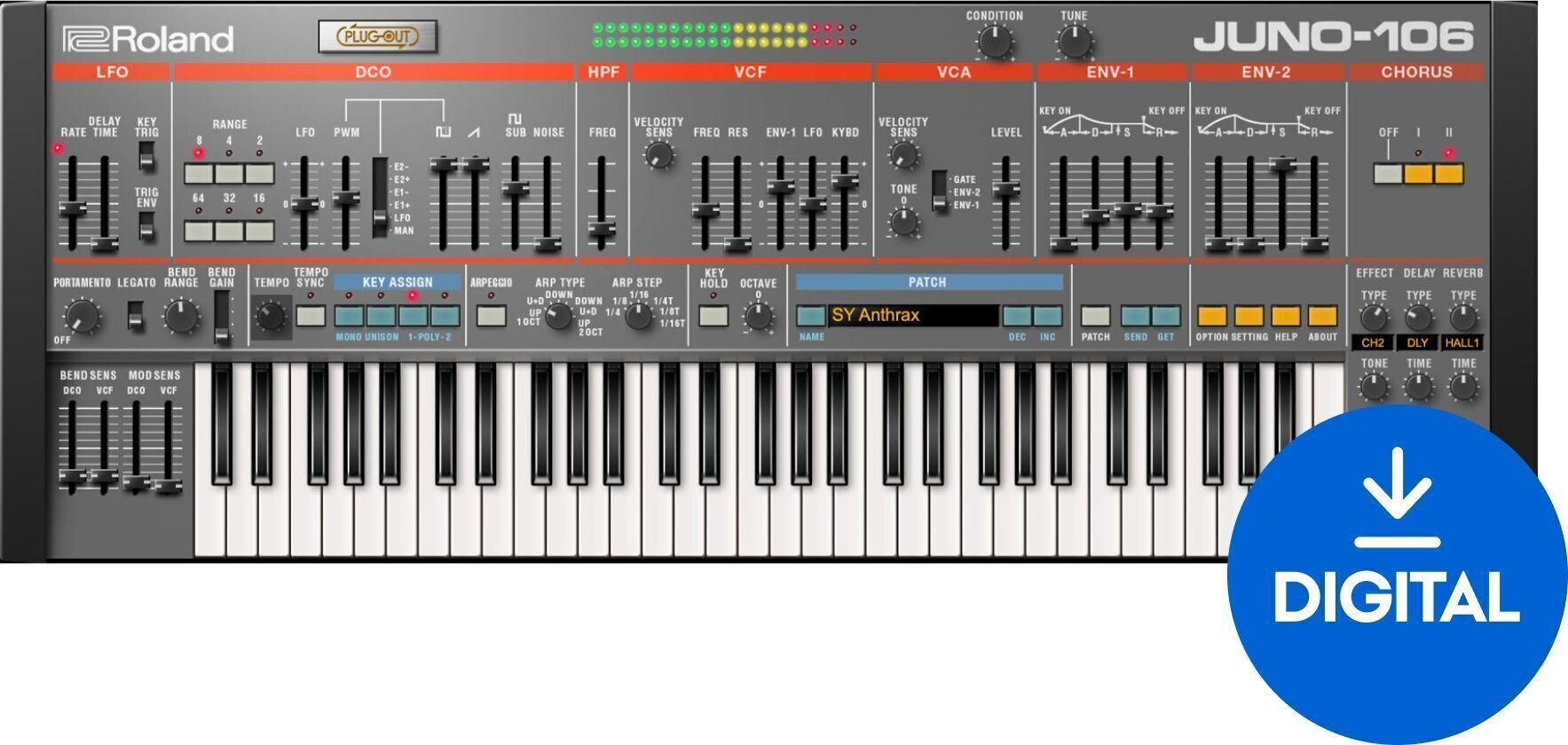
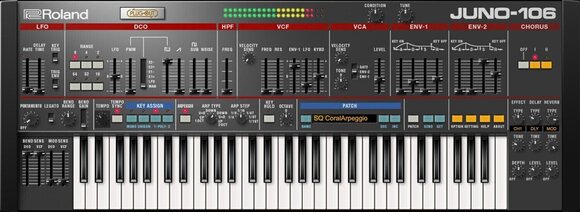
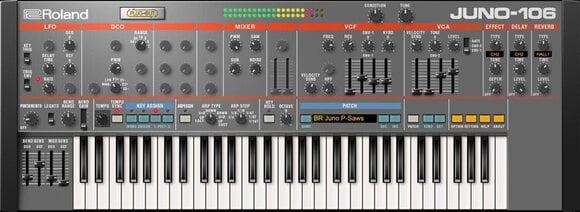
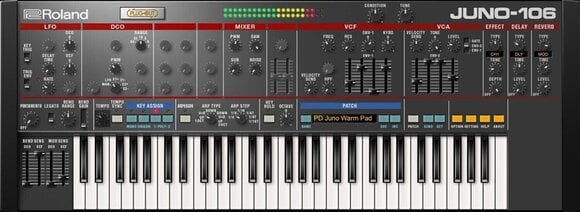

- Тype: Synth, Virtual Instrument
- License duration: Perpetual
- Supported plug-in formats: AAX, AU, VST2, VST3
- System requirements: Mac OSX 10.10.05 <, Win 7 <
Roland JUNO-106 Key (Digital product)
The JUNO-106 Software Synthesizer perfectly realizes the influential sound and vibe of the original JUNO-106, with new capabilities and enhancements for today’s workflows. The JUNO-106, released in 1984, was a standard-setting analog polyphonic synthesizer. Following the JUNO-6 and JUNO-60, it was the third and most advanced model in the affordable JUNO series, and the first to incorporate the new MIDI standard. The 106 built on the innovations introduced with its predecessors, offering easy programmability, digitally controlled oscillators, expanded patch memory, a fat-sounding stereo chorus effect, and more.
Roland Cloud is the only authentic software resource for the true JUNO-106 sound. While the original hardware version is scarce, expensive, and in need of frequent tune-ups, our plug-in is always ready to play, whenever you need it. There are some great feature enhancements too, which are only available in the virtual instrument:
- Available polyphony increased to eight (or keep it old school and limit it to six or less)
- Condition knob to adjust the age characteristics of the virtual hardware
- Two fully adjustable envelopes
- Famous JUNO chorus, plus modern reverb and tempo-syncing delay
- Onboard tempo-syncing arpeggiator
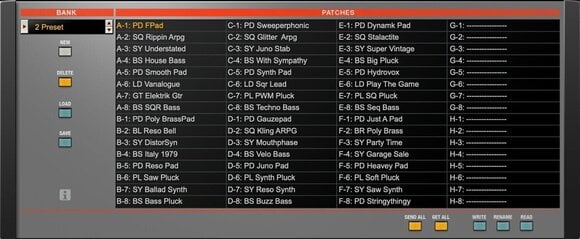
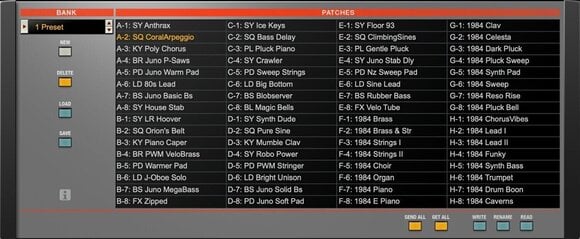
- All new modern presets in addition to classic and original factory tones
- Multiple skins including classic and SYSTEM-8 layouts in light and dark
- PLUG-OUT compatibility with the SYSTEM-8 hardware synth
- Pre-mapped for one-to-one control from the SYSTEM-8, JU-06, and JU-06A hardware
Download Path: https://www.rolandcloud.com/roland-account/key
Info: https://www.roland.com/us/products/rc_juno-106/
To activate your purchased Lifetime Key go to https://www.roland.com/cloud/key, log in or create an account, and enter the activation key (do not click on the Serial tab, as that is for hardware serial numbers) and click the "Submit" button.
Once entered, Open Roland Cloud Manager. If it is already open, you may need to close Roland Cloud Manager and Restart the app.
Once restarted/opened, verify that the instrument is available and install it.
NOTE: Once the key has been entered, be sure to verify in Roland Cloud Manager. Re-entering the key in the page above will result in an error because the key has already been redeemed.
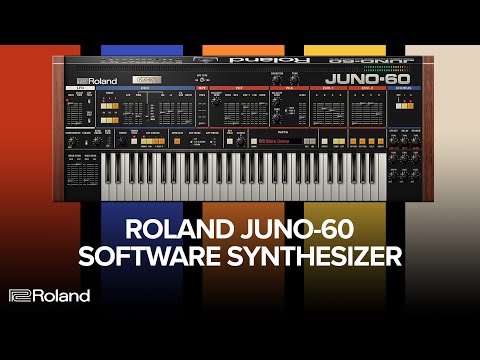
The full version is software that does not require ownership of any other product or previous version. It is intended for new users who do not yet own the software. The range of features depends on the specific version and product. After purchase, you will receive a license for full use of the software.


License duration
Download
Effect Types
LFO, Delay, Reverb, Overdrive, Distortion, Chorus, Flanger, Phaser
Envelope
ADSR (2 )
Arpeggiator
Yes
Number of Presets
64
Supported plug-in formats
AU, VST2, AAX, VST3
License
System requirements
Win 7 <, Mac OSX 10.10.05 <
Hardware Requirements
4 GB RAM, 100 MB HD, Intel Core i5
Built-in Effects
Yes
Made in
Japan
Documents
Safety instructions
Please refer to the user manual for the specific safety instructions for this product.


