Albania
 Argentina
 Australia
 Austria
 Belgium
 Bosnia and Herzegovina
 Brazil
 Bulgaria
 Canada
 Chile
Chile
 Colombia
 Croatia
 Czech Republic
 Denmark
 Estonia
 Finland
 France
 Germany
 Greece
 Hungary
 Ireland
 Italy
Italy
 Latvia
 Lithuania
 Luxembourg
 Mexico
 Moldova
 Montenegro
 Netherlands
 New Zealand
 North Macedonia
 Norway
 Philippines
 Poland
 Portugal
 Romania
 Serbia
 Slovakia
 Slovenia
 South Africa
 Spain
Spain
 Sweden
 Switzerland
 Turkey
 Ukraine
 United Kingdom
 United States of America



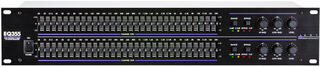
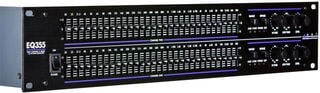
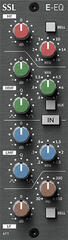
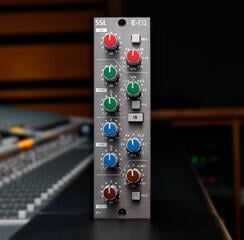
Rack Equalizers
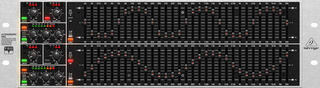
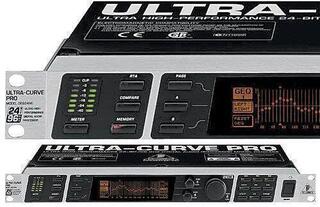
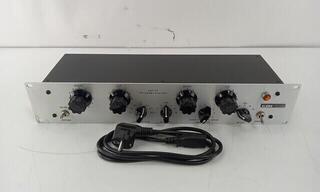
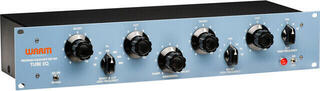
A rack equalizer adjusts selected frequency bands in an audio system to address tonal balance, troublesome resonances or system response in a room. It is used in live sound, fixed installations and setups built around separate analogue equipment. A graphic model provides fixed bands, while a parametric model lets you select frequency and bandwidth. Before buying, determine where it will sit in the signal path, how many channels you need and whether a digital console or processor already performs the task.
Graphic and parametric equalizers
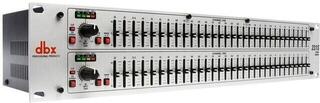
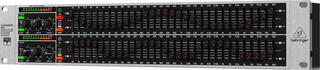
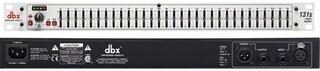
Each band on a graphic equalizer has its own slider. Their positions quickly show the approximate correction curve and provide direct control in live sound. Band count affects how precise an adjustment can be: closer spacing allows more targeted changes, but does not automatically produce a better result. Large boosts or cuts across adjacent bands often indicate that the source, microphone or speaker placement needs attention.
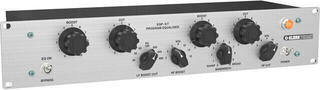
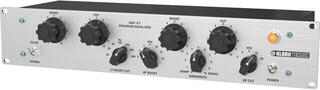
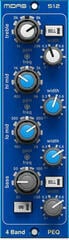
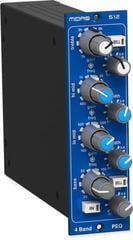
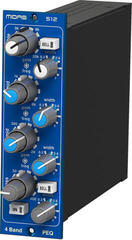
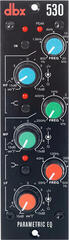
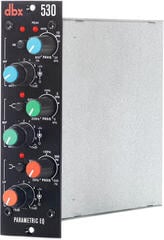
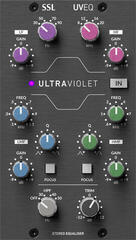
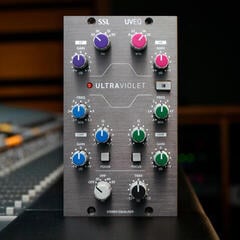
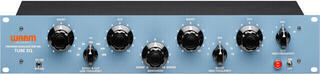
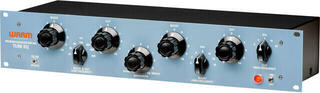
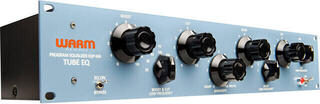
A parametric equalizer provides control of centre frequency, boost or cut and Q, which sets the bandwidth. A narrow cut can reduce a specific resonance, while a broader adjustment changes the general character. A semi-parametric design leaves one parameter fixed. Compare the control ranges and switching method, not only the number of knobs.
| Type of adjustment | Suitable tool | Risk if used incorrectly |
|---|---|---|
| Quick adjustment of an entire PA system | Dual-channel graphic equalizer | Too many adjacent changes reduce natural sound and headroom |
| Narrow resonance | Parametric band with adjustable Q | A very narrow boost may sound unnatural and miss the problem |
| Removal of low-frequency noise | High-pass filter, if available | Setting it too high removes the instrument's fundamental body |
| Protection of speaker frequency bands | Crossover or loudspeaker processor | A standard equalizer does not replace correct crossover and limiting |
Where to connect an equalizer
On the main output it changes the entire PA, in a monitor path only that mix, and at an insert point it processes the selected channel or bus. The connection must operate at a suitable line level. Do not connect a microphone directly to a line-level equalizer without the required preamplification, or connect a passive speaker to its output instead of a power amplifier.
A stereo setup needs two matching channels and consistent settings. Linked or clearly marked controls make identical correction on both sides easier. Separate settings for left and right may help in an asymmetrical room, but first correct speaker positions and verify measurements. A difference between sides may not originate in the device.
Cut first, then boost
Large frequency boosts consume signal-path headroom and place more demand on the amplifier and speaker. If you want one range to stand out, gently reducing the competing range and compensating the overall level often works better. Compare corrections at similar volumes; the louder version can seem more convincing without a genuine improvement.
- Start with controls in the neutral position and hear the problem in context.
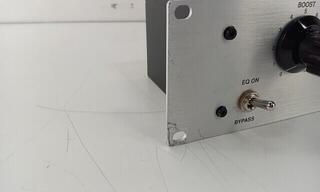
- Make a small change, then bypass the equalizer and compare.
- Do not copy the shape of a setting from another room or system.
- If an extreme adjustment is needed, check cables, polarity, placement and driver condition.
Feedback and monitors
Find the cause, not only the ringing band
An equalizer can increase gain before feedback by reducing a specific problem band. First set microphone and speaker direction, suitable gain and distance. Feedback occurs around the whole loop, so arbitrarily pulling down many bands may reduce intelligibility without removing the cause.
Search for a ringing frequency carefully without exposing people or equipment to sudden high levels. A spectrum analyser can provide a clue, but confirm by ear and work in small steps. Each monitor mix may behave differently according to the microphone, position and content. If you use active stage monitors, include their own processing and correction in the check.
Equalizers, crossovers and processors are different
A crossover divides the signal between a speaker system's frequency bands, such as the main speaker and subwoofer. A loudspeaker processor may combine equalization, delay, crossover and limiting. A standalone equalizer focuses on tonal adjustment and may not provide protection. For system crossover duties, also browse speaker crossovers and systems.
A dynamic equalizer varies its action with signal level, while a compressor controls the dynamics of the whole range or a selected band, depending on its type. These tools are available under dynamics processors. If you only need fixed correction, a conventional rack equalizer is often clearer to operate. Choose a more complex processor only when its functions fit your workflow.
Connectors, levels and mechanical design
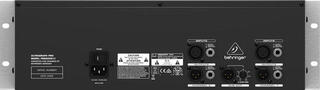
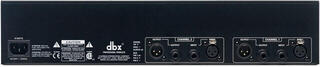
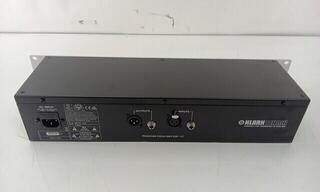
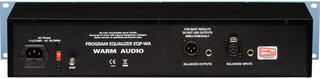
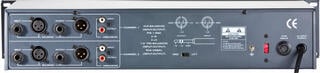
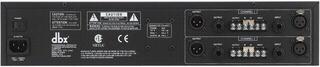
Check balanced inputs and outputs, connector types and the nominal operating level of the whole setup. Balanced connections help reject interference but will not fix a ground loop or faulty cable. Watch clip indicators and set input and output levels with enough headroom. Bypassing the equalizer should not produce an uncontrolled jump in volume.
Rack height determines space in the case, not device depth or connector clearance. Leave room for cables, ventilation and an external power supply where fitted. For mobile PA work, protect sliders with the case lid and photograph or mark settings before transport. Mechanical damage to a slider can alter the signal without an obvious visible fault.
Setup procedure
- Connect the equalizer in the correct line-level section of the chain with the volume down.
- Set all bands flat and match the engaged and bypassed levels.
- Adjust the source, microphone and speaker positions first.
- Reduce the specific problem with a small change and compare it in context.
- Save or document the settings and start with a new check when the room changes.
A rack equalizer makes sense when you need direct control in a defined signal path. The result still depends on capture, levels and speaker position; EQ only masks their faults. If a digital console already performs the same task, add a separate unit only for a specific output, backup path or fixed installation.