 Albania
 Argentina
 Australia
 Austria
 Belgium
 Bosnia and Herzegovina
 Brazil
 Bulgaria
 Canada
 Chile
Chile
 Colombia
 Croatia
 Czech Republic
 Denmark
 Estonia
 Finland
 France
 Germany
 Greece
 Hungary
 Ireland
 Italy
Italy
 Latvia
 Lithuania
 Luxembourg
 Mexico
 Moldova
 Montenegro
 Netherlands
 New Zealand
 North Macedonia
 Norway
 Philippines
 Poland
 Portugal
 Romania
 Serbia
 Slovakia
 Slovenia
 South Africa
 Spain
Spain
 Sweden
 Switzerland
 Turkey
 Ukraine
 United Kingdom
 United States of America








- Faders: No
- Pads: Yes
- Controls: Mixer, Navigation, Note, Octave, Pattern, Play/Pause, Record, Shift, Tempo, Undo/Redo
- USB MIDI: Yes
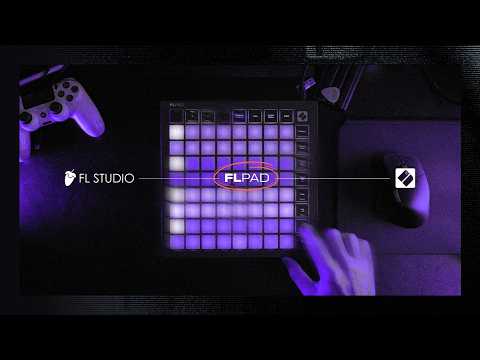
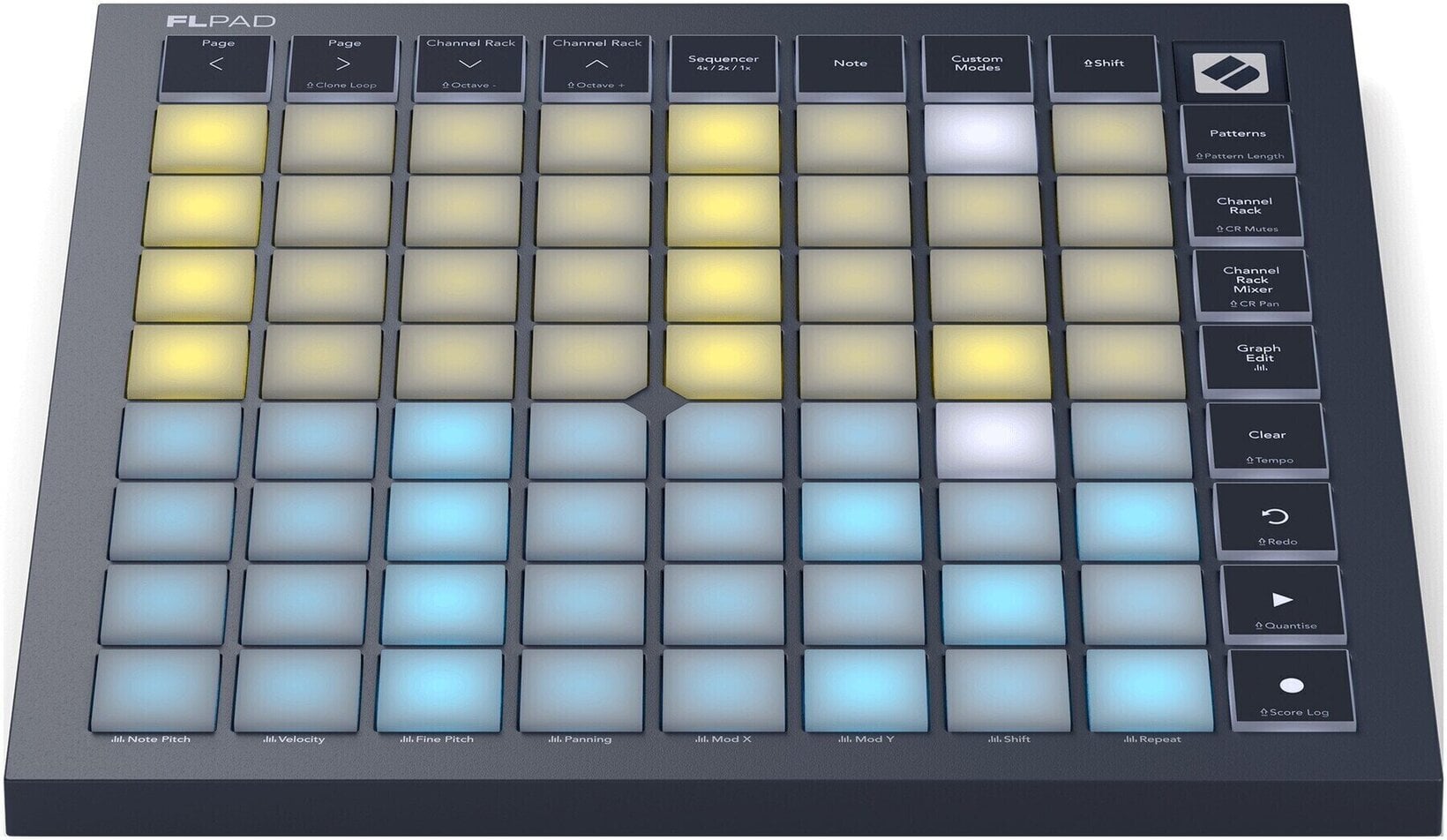
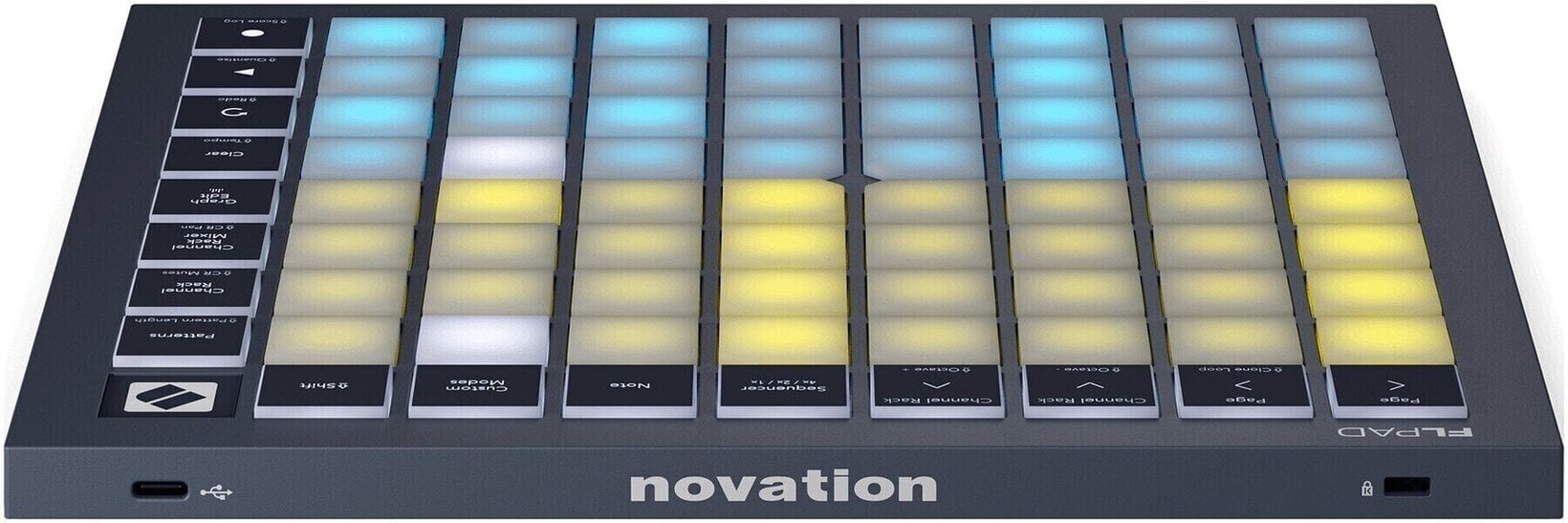
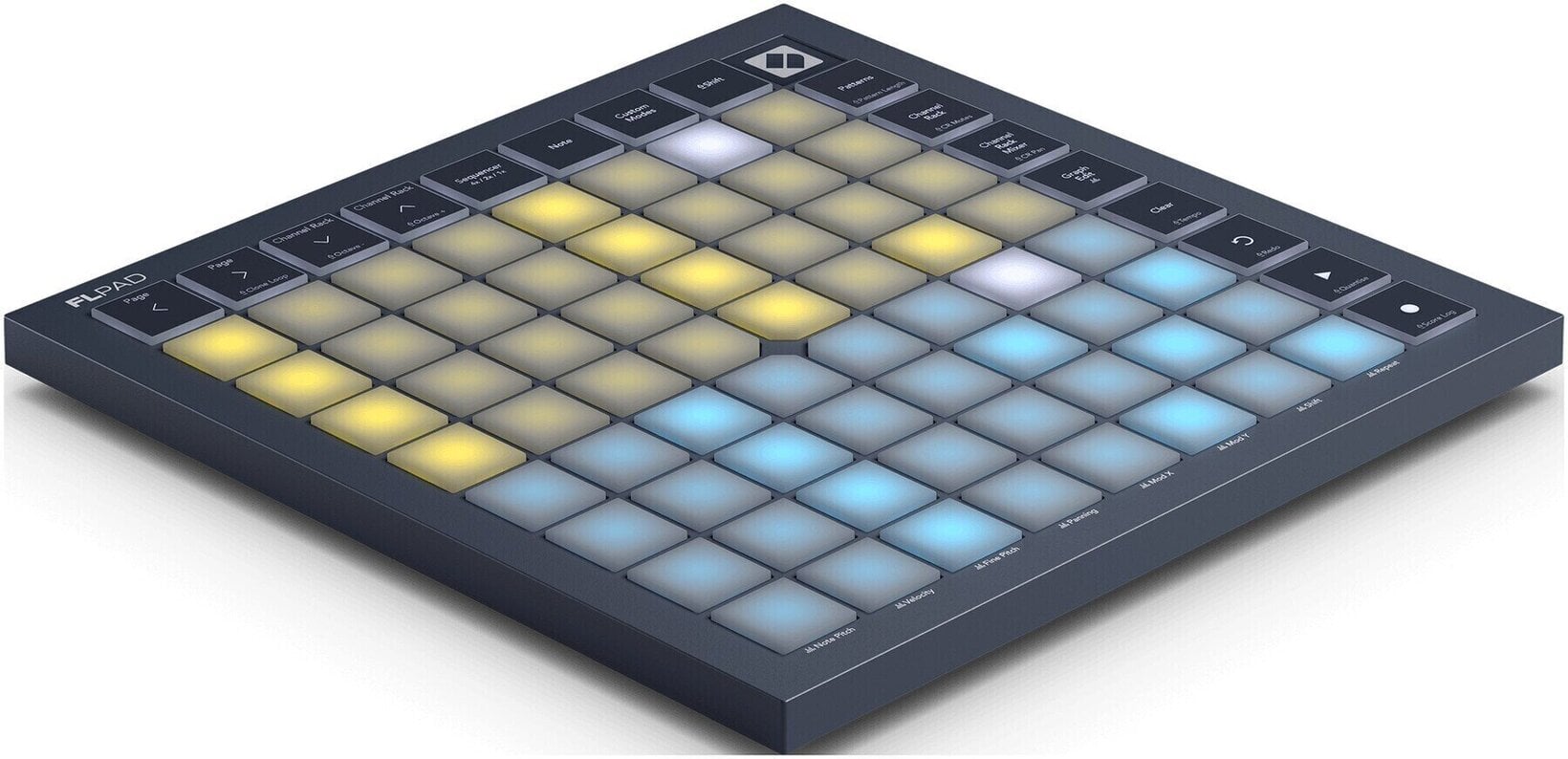
Novation FLpad MIDI Controller
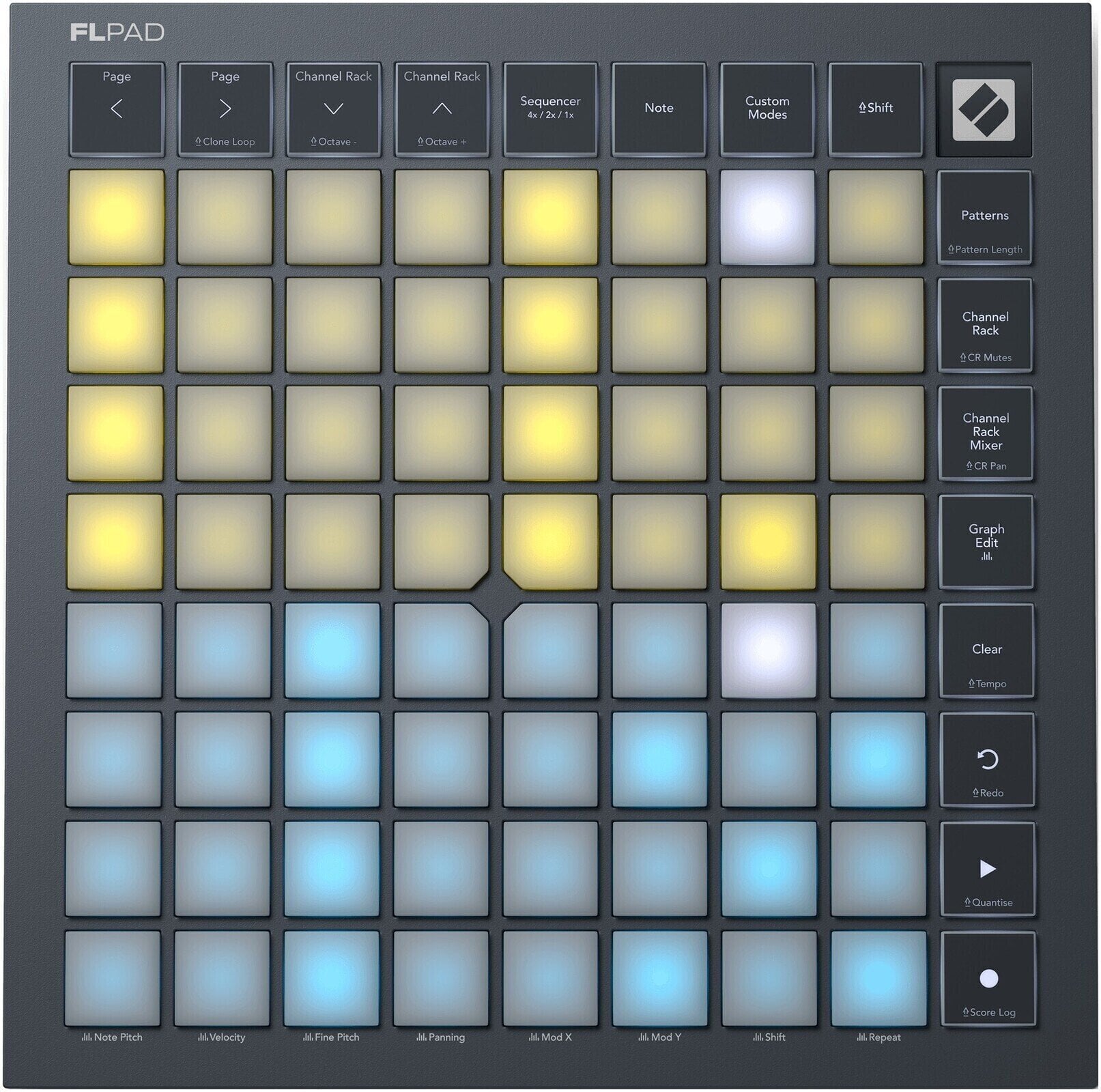
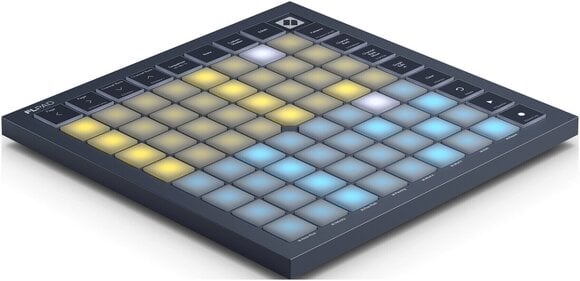
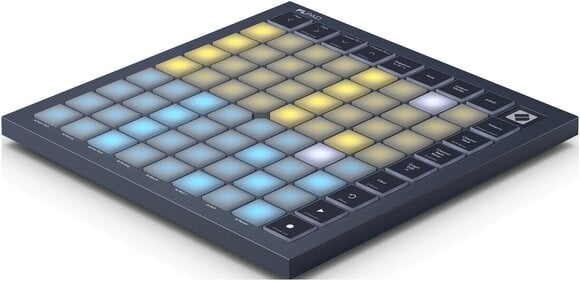
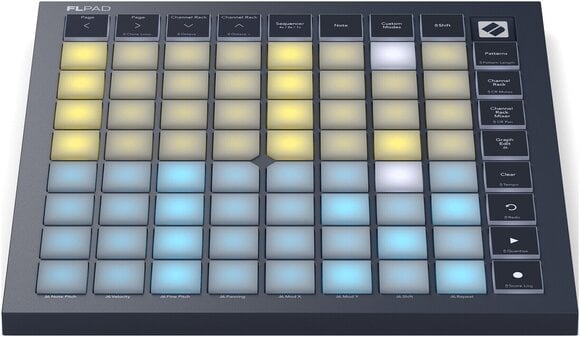
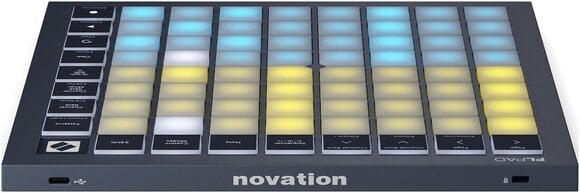
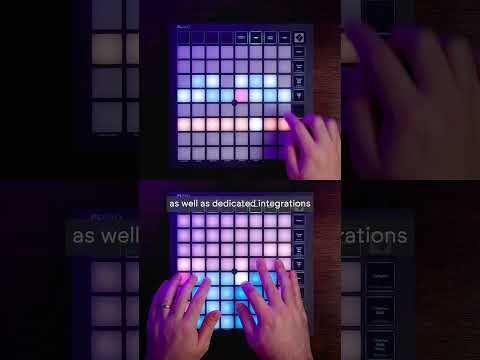
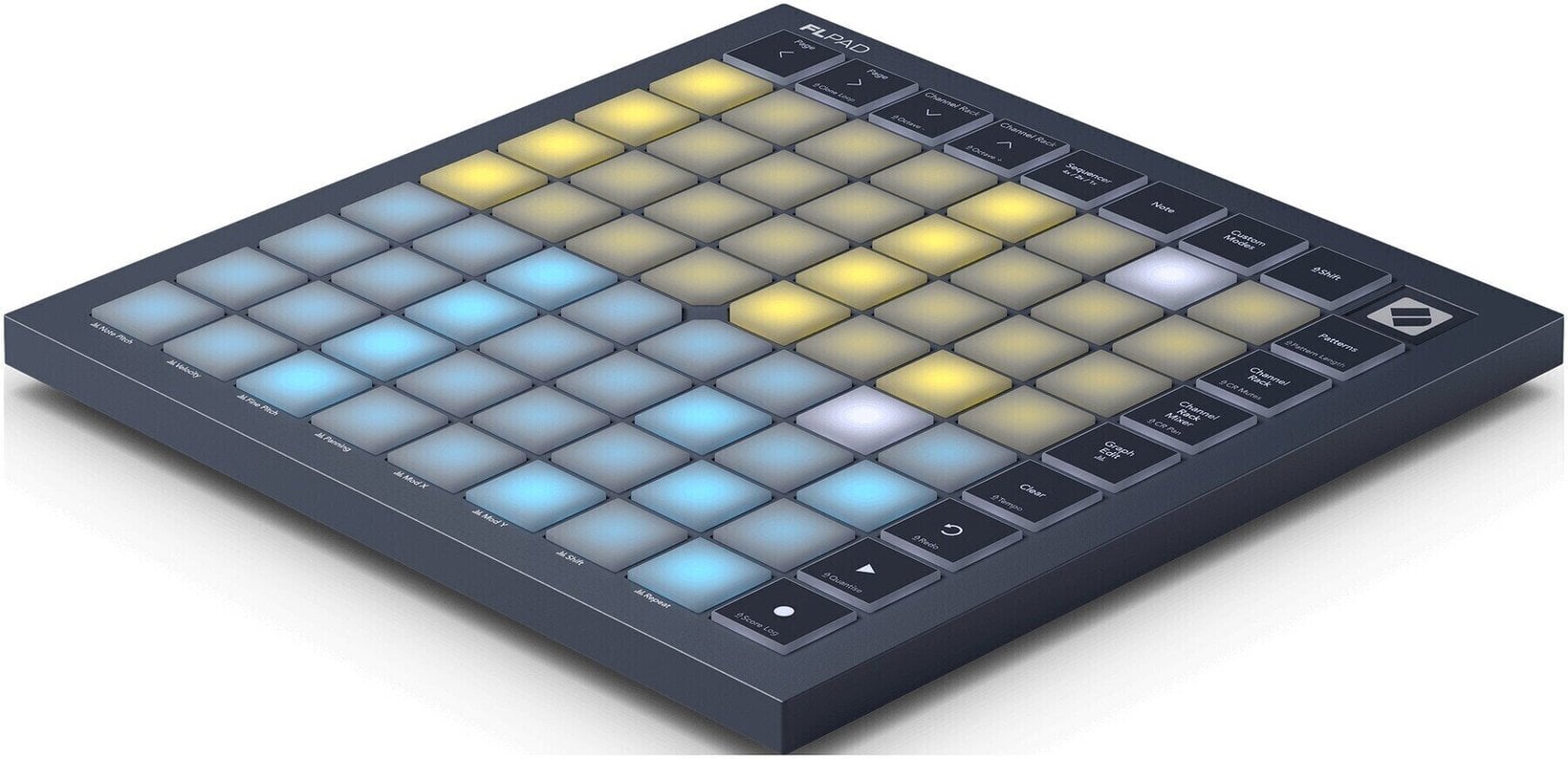
The Novation FLpad is a full-size 8x8 grid controller co-developed with Image-Line for hands-on beatmaking in FL Studio. Its 64 velocity-sensitive, RGB-backlit pads let producers trigger samples, step-sequence up to four tracks at once, finger-drum with FPC, Slicex and Fruity Slicer, and play melodic parts locked to a chosen scale. Sixteen dedicated workflow buttons cover transport, Patterns, Channel Rack navigation, mixer, Graph Edit, undo/redo, quantise and Score Log, while a single USB-C cable delivers bus-powered connectivity to macOS and Windows computers.
- 64 velocity-sensitive, RGB-backlit pads in an 8x8 layout for expressive finger drumming and melodic playing
- Step-sequence up to four FL Studio instruments at once and edit every note with the Graph Editor
- Sixteen dedicated workflow buttons for transport, Patterns, Channel Rack, mixer, undo/redo, quantise and Score Log
- Single USB-C bus-powered connection to macOS and Windows, with six months of FL Studio Producer Edition plus UVI, Klevgrand and GForce plugins included
FLpad — the grid controller built for FL Studio
The Novation FLpad is an 8x8 grid controller co-developed with Image-Line specifically for FL Studio, giving producers a tactile, groovebox-style workflow inside the Channel Rack. Trigger samples, step-sequence up to four instruments at once, finger-drum with FPC, Slicex and Fruity Slicer, and play basslines, chords and melodies locked to a chosen scale — all without leaving the pads. The FLpad is the right choice for FL Studio producers who want hands-on control of beats, Patterns and Channel Rack workflows.
What makes the FLpad stand out
Unlike a generic MIDI grid, the FLpad ships with custom DAW scripts for FL Studio 26.1.6 or later that map every pad and button directly to Channel Rack, Patterns, mixer and Graph Edit views. Each of the 64 pads uses patented force-sensing resistor technology for added responsiveness, and the controller sends polyphonic aftertouch data through its four Custom Modes for deeper expression with compatible software and hardware.
Pad grid and expression — performance feel
The full-size 8x8 layout gives producers enough surface area for two-handed finger drumming and wide step-sequencer patterns, while velocity sensitivity adds dynamics to every hit. RGB backlighting colour-codes sounds so the Channel Rack is readable at a glance.
- Number of Pads: 64 — full 8x8 grid for sequencing and live playing
- Pad Size: Full size — comfortable for expressive finger drumming
- Expression: Velocity-sensitive with patented force-sensing resistor technology — consistent dynamics across hits
- Polyphonic Aftertouch: Yes (via Custom Modes) — expressive control of supported software and hardware
Performance views and workflow controls — production power
Dedicated buttons and views put the most-used FL Studio actions on the hardware, so producers can build and edit Patterns without reaching for the mouse. The Channel Rack Mixer view turns the grid into volume faders, while the Graph Edit view exposes note pitch, velocity, fine pitch, panning, mod X/Y, shift and repeat for detailed sound shaping.
- Performance Views: Sequencer, Note, Patterns, Channel Rack, Channel Rack Mixer, Graph Edit, plus up to 4 Custom Modes
- Dedicated Buttons: 4x navigation, Sequencer, Note, Custom Modes, Shift, Patterns, Channel Rack, Channel Mixer, Graph Edit, Clear, Undo, Play/Pause, Record
- Shift Functions: Clone Loop, Octave Up/Down, Pattern Length, Channel Rack Mutes, Channel Rack Pan, Tempo, Redo, Quantise, Score Log
Connectivity, software and dimensions — setup and bundle
One USB-C cable handles both data and power, so the FLpad is ready to use the moment it is plugged into a Mac or Windows computer running FL Studio 26.1.6 or later. The bundle includes six months of FL Studio Producer Edition, Melodics finger-drumming lessons, and premium plugins from UVI, Klevgrand and GForce.
- Connectivity: USB-C socket, USB bus powered, Kensington security slot
- Compatibility: macOS and Windows with FL Studio 26.1.6 or later
- Dimensions: 240 x 240 x 17.6 mm — square footprint that sits neatly beside a keyboard
- Weight: 820 g — light enough to throw in a backpack for mobile sessions
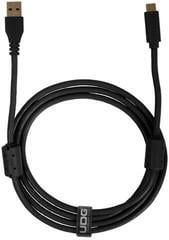
- Package Contents: FLpad, 1.5 m USB-C to USB-A cable, software bundle
Who the FLpad is for
The FLpad is the right choice for FL Studio producers who want a tactile, mouse-free workflow for beatmaking, step sequencing and Pattern management. Beatmakers coming from hardware drum machines will feel at home finger-drumming on the velocity-sensitive pads, while producers who prefer step input can sequence up to four tracks at once and refine every note in the Graph Editor.
Co-developed with Image-Line
The FLpad is the result of a direct collaboration between Novation and FL Studio maker Image-Line. That partnership is why the firmware, scripts and silkscreen are tuned specifically to FL Studio's Channel Rack workflow rather than acting as a generic MIDI grid.
Pads: Yes
This product is equipped with pads that allow intuitive triggering of samples, sounds, or controlling various software functions. Thanks to their dynamic response to touch, they are ideal for creating rhythms, musical sequences, and interactive work with MIDI instruments. The pads offer flexibility and precision, making them suitable for live performances as well as studio recording.
Controls
- Note
- Record
- Mixer
- Play/Pause
- Octave
- Tempo
- Undo/Redo
- Navigation
- Shift
- Pattern
USB to Host: Yes
The USB to Host function allows the device to connect to a computer or compatible device via a USB interface. This system ensures fast and efficient transfer of digital data, such as MIDI or audio signals, making it ideal for use in recording, production, or live performances.
USB MIDI: Yes
The USB MIDI function ensures fast and reliable transfer of MIDI data via a USB interface. It allows the device to connect with computers, DAW software, or other MIDI devices. This feature simplifies the control of software instruments, device synchronization, or recording of MIDI signals.
Package Contents
- Software
- USB-C - USB-A Cable

Faders
Pads
Control Knobs
Controls
Navigation, Shift, Play/Pause, Record, Undo/Redo, Note, Pattern, Mixer, Octave, Tempo
Built-in Sound Card
Modulation
No
Touchscreen
Touch Sensitive
Yes
Bluetooth
No
USB to Device
USB to Host
USB MIDI
Outputs
Headphone Output
Inputs
Package Contents
UK/EU Power supply included
No
Made in
China


Documents
Instructions for use
Manufacturer information
Safety instructions
Please refer to the user manual for the specific safety instructions for this product.


